Each organization connects its own account
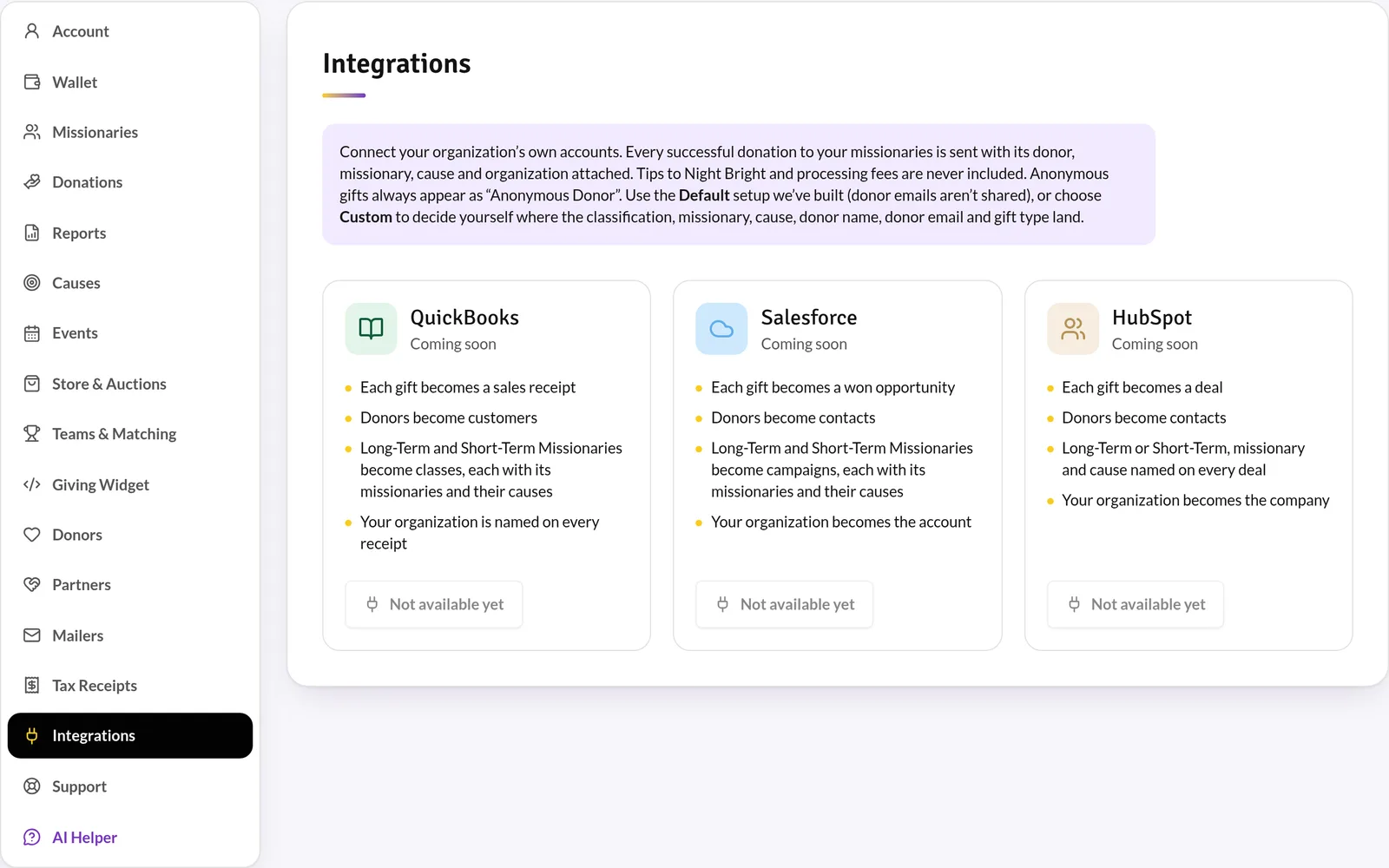
QuickBooks gifts become sales receipts and Salesforce gifts become won opportunities — each linked to the right missionary and cause. HubSpot contacts and leads come into your Partner CRM through the guided importer — connected read-only or from a HubSpot export. Connections open in your portal as each integration is switched on.
Default or custom setup
The default setup files gifts by Short-Term or Long-Term, then missionary, then cause. Choose Custom to map each detail to your own fields, classes or properties.
- Nightly sync plus sync on demand
- Only gift amounts sync — tips and processing fees stay out
- Anonymous donors are grouped into one record
Specs at a glance
- QuickBooks
- Sales receipts and customers
- Salesforce
- Opportunities and contacts
- HubSpot
- Contact and lead import (read-only)
- Plan
- Ministry and Network CRM plans